Get your QR code based digital profile in 4 simple steps
Submit your name, address and other permitted details.
Choose a plan and complete the payment securely.
Get your unique QR code after verification.
Share your QR code and receive calls without exposing your number.
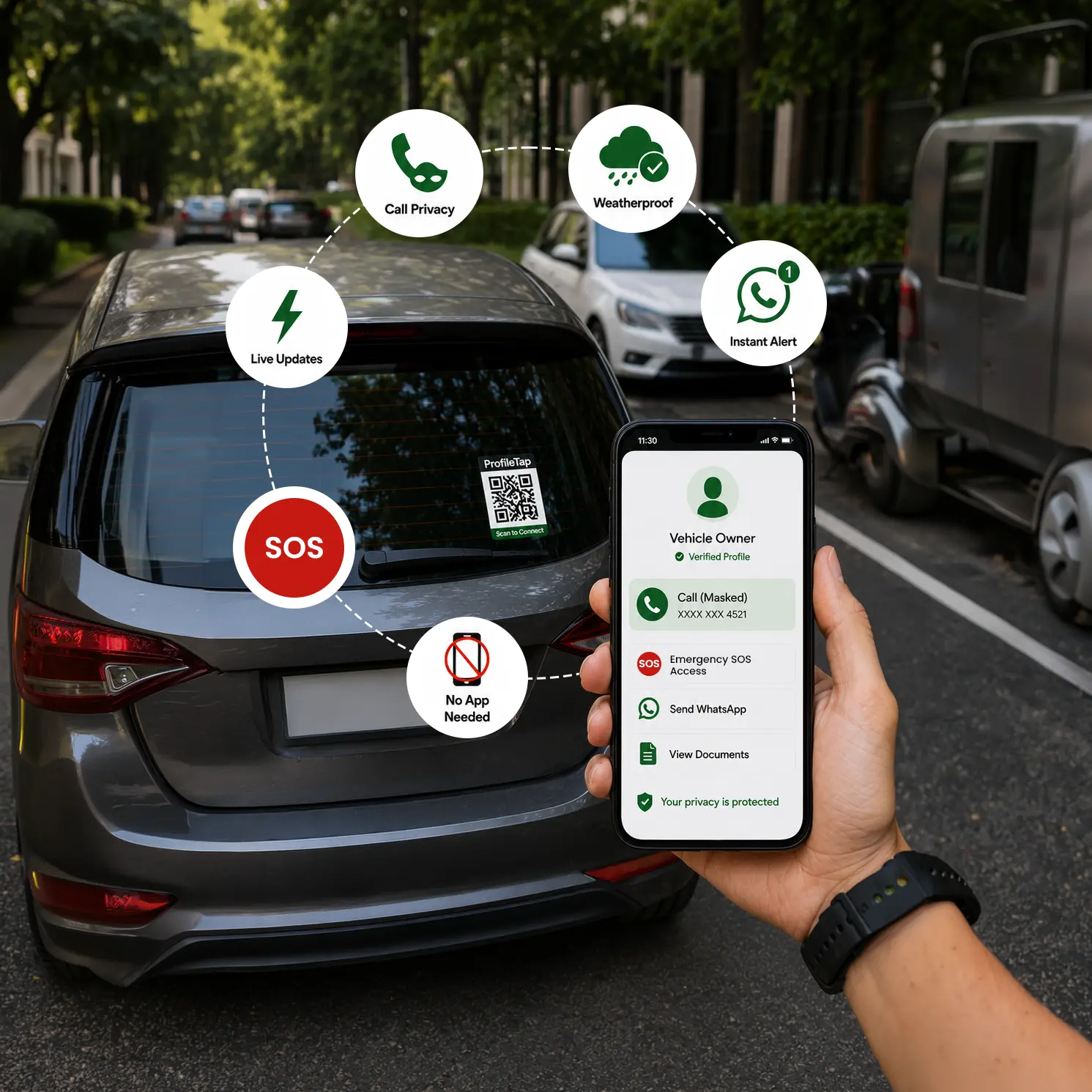
A simple QR scan gives the visitor access to the information you choose to share — while your personal mobile number remains protected.
Visitor scans your unique QR code.
Only permitted information is displayed.
Connect through the configured calling system.
Join users who trust Geolink Private Limited for secure and private communication.